










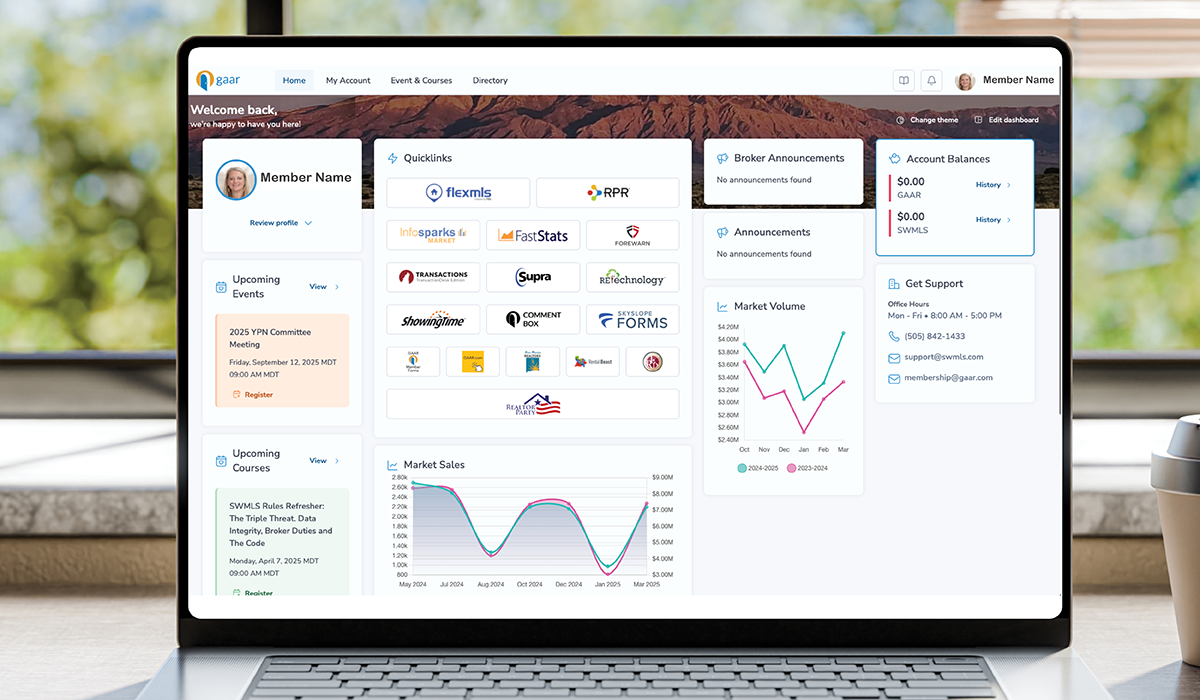
The Member Portal requires all users to reset their passwords every 180 days. We understand some members have experienced difficulty completing the reset or have encountered occasional glitches. We have contacted our vendor for additional support and are actively working to resolve these issues.
In the meantime, the following steps have helped many members successfully log in:
- In the new password pop-up request, manually type in the new password field and copy it into another document; Word, Notes, or another program. Select “Update Password.”
- Clear your browser cookies after creating a new password.
- Return to gaar.com and select “Log In.” - Depending on your browser, it may try to autofill an old password. Manually type or copy & paste the new password.

Comments