










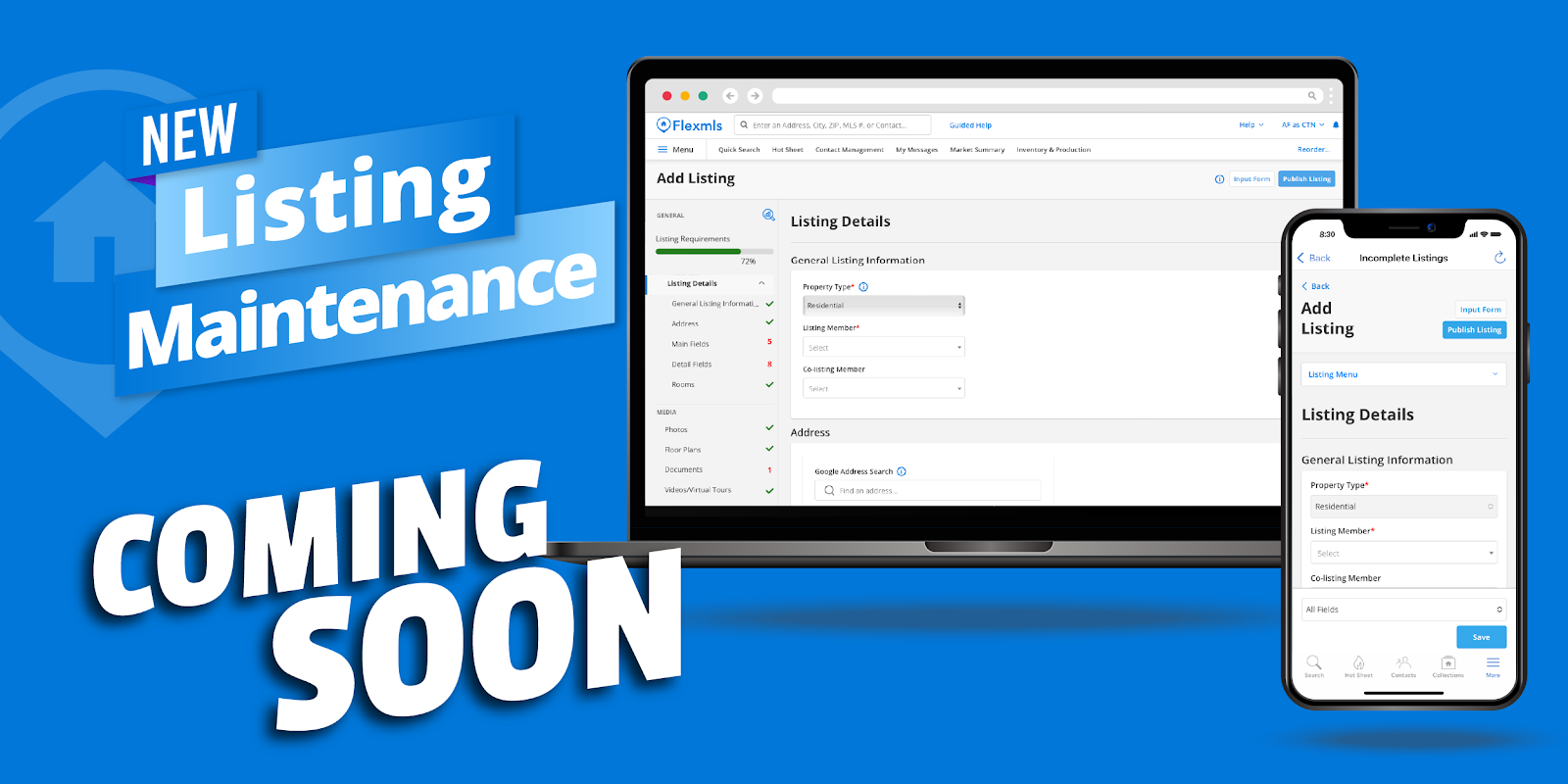
Flexmls is rolling out its new listing maintenance module for Southwest MLS on Thursday, December 3rd (this is an updated date as of 10/22/26).
This updated module is designed to make creating and managing your listings faster and more intuitive. Whether you’re in the office or on the go, you will now have one seamless experience across any device so that you can start a listing on your phone and finish it at your computer. In the new module, you’ll find:
For a quick walk-through of the new updates, watch the 5-minute training video: https://flexmls.wistia.com/medias/ct305ns15v
Learn More - https://flexmls.com/flexmls-academy/product-news/new-listing-maintenance-module/
FAQs:
Will I still have access to my old listings?
- Yes, any listing you created in the old listing module will still be available.
What if I’m having trouble finding a field?
- The listing input form adapts as you go. So, a field might not display because the related field hasn’t been filled out yet. For example, Association Amenities fields will only display if you select “Yes” for Association.
Do I have to save my listing as incomplete to add photos?
- Nope! You are able to add photos at any point during listing creation.
Can I create a listing on the Flexmls mobile app?
- Yes! You will now be able to create a listing from start to finish on the mobile app.
Review the Flexmls Help page: https://help.flexmls.com/en/add-listing.html
Comments