










Beginning October 26, SWMLS Subscribers will have access to CubiCasa, a new benefit that makes creating professional floor plans easier than ever.
Through a new partnership with CubiCasa, SWMLS is expanding the tools available to Subscribers to enhance listings, improve the buyer experience, and showcase properties more effectively.
With just a smartphone and a quick scan, Subscribers can produce detailed floor plans with room dimensions, helping buyers better visualize a property's layout before stepping inside.
Ready to put your new benefit to work?
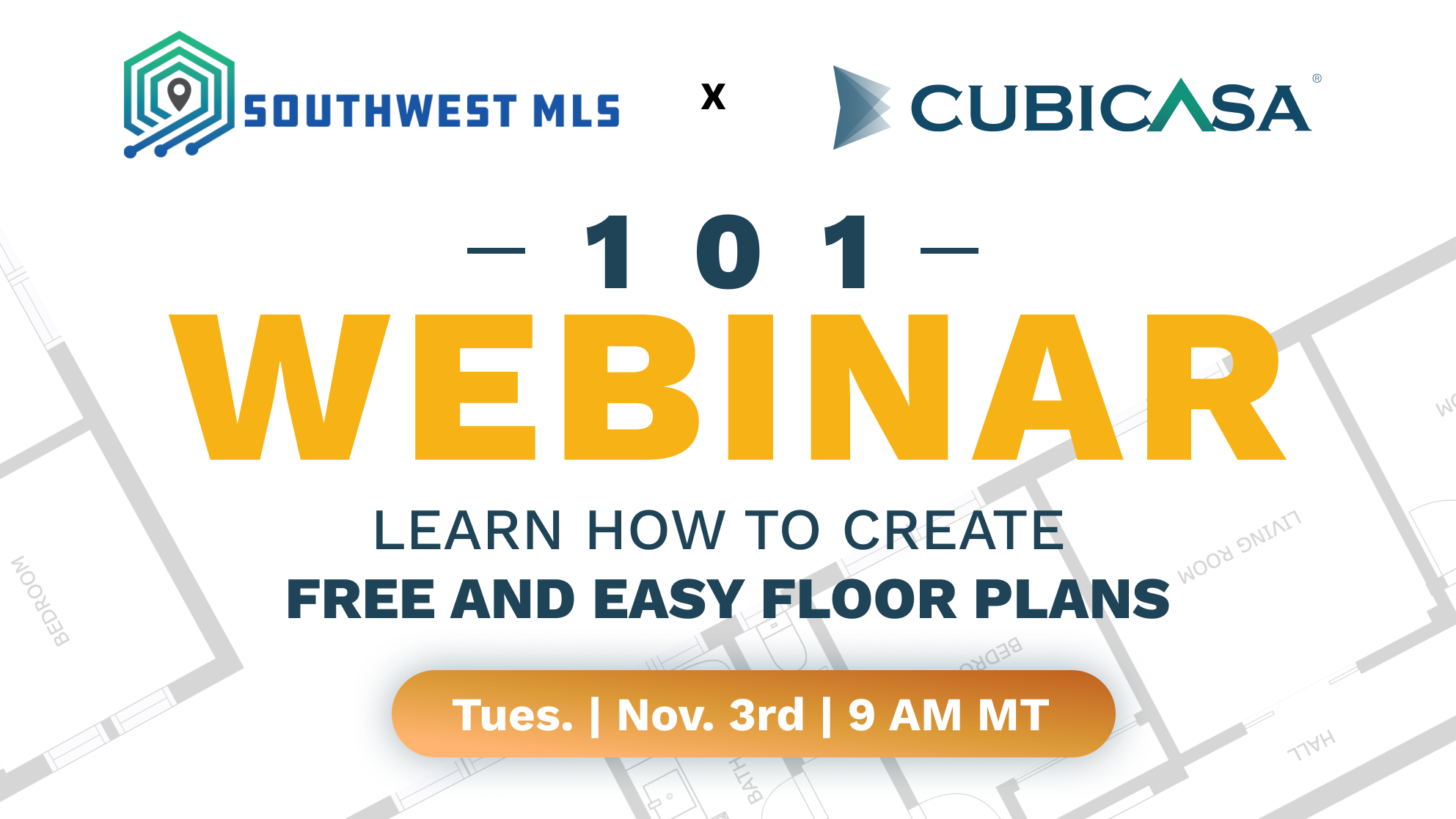
Join CubiCasa representatives for a live, 30-minute training designed specifically for SWMLS Subscribers.
Live CubiCasa Training: Learn to Scan, Create & Share
Tuesday, November 3, 2026 | 9:00 to 9:30 am | Virtual Training

Floor Plans Made Simple
CubiCasa is an easy-to-use mobile app that transforms a simple, approximately five-minute property scan into a professional floor plan. No special equipment or advanced technical skills are required. The app works with most smartphones and tablets, making it accessible to real estate professionals and photographers alike.
Floor plans are among the most requested features by homebuyers, second only to standard listing photos and property information. By providing a clear picture of a home's layout, floor plans help buyers understand room relationships, evaluate available space, and determine whether a property meets their needs.
CubiCasa Launches October 26th
What's Included with Your SWMLS Subscription? Beginning October 26, SWMLS Subscribers can take advantage of:
- FREE Floor Plans: Create floor plans with room dimensions for properties with up to 5,000 square feet of scanned area.
- 25% Discount on Upgrades: Save on CubiCasa Plus packages and optional add-ons, including appraisal-grade Gross Living Area (GLA) floor plans, six-hour rush orders, and 3D products.
- Photographer Directory: Access CubiCasa's directory of real estate photographers or continue working with your preferred photographer.
Getting Started with CubiCasa
Activating your benefit is simple:
- Visit CubiCasa and create an account using your email address.
- Select "Agent" when prompted to identify how you use CubiCasa.
- Enter your company information and select Southwest MLS as your MLS affiliation.
- Enter your MLS Login ID and complete the account verification process.
- Confirm your email address, download the CubiCasa app, and start scanning!
Already have a CubiCasa account? You can affiliate your existing account with Southwest MLS through your CubiCasa Profile settings to access the Subscriber discount program.
Live CubiCasa Training: Learn to Scan, Create & Share
Tuesday, November 3, 2026 | 9:00 to 9:30 am | Virtual Training
Ready to put your new benefit to work? Join CubiCasa representatives for a live, 30-minute training designed specifically for SWMLS Subscribers.
Discover how to get started with CubiCasa, create floor plans using your smartphone, and explore the features available through your SWMLS subscription.
Whether you're new to floor plans or looking for a more efficient way to enhance your listings, this session will help you make the most of this valuable new benefit.
[REGISTER FOR NOVEMBER 3 TRAINING]
With CubiCasa joining the SWMLS lineup of Subscriber benefits, creating professional floor plans is now one more way to deliver greater value to your clients and make your listings stand out.



Comments